Seedance 2.0 — Multi-Modal AI Video Creation
Create cinematic AI videos using text, images, video references, and audio direction — all in one workflow.
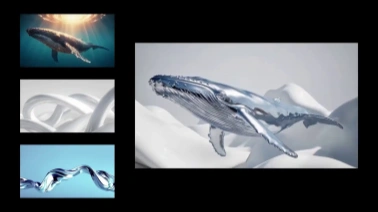
Pro Tips
- Aspect Ratio: 16:9 for YouTube, 9:16 for Social Media.
- Interpolation: Keep start/end frames visually consistent for smoother morphing.
- Assets: Isolated subjects work best for reference mixing.
How to Use Seedance 2.0
Create professional-grade videos in three intuitive steps. No complex prompting required—just natural direction.
Upload Multimodal Assets
Drag and drop your materials. Seedance 2.0 supports text, images, videos, and audio files simultaneously to define your scene's look and feel.
Set Your References
Use natural language to assign roles. Simply type @Image1 to fix the character's look or @Video1 to copy specific camera movements and action beats.
Generate & Refine
Click generate to produce your shot. Use the advanced editor to seamlessly extend footage, swap characters, or insert new scenes into existing clips.
What is Seedance 2.0?
Seedance 2.0 is a professional AI video generation model designed to solve the industry's biggest challenge: Consistency and Control.
Unlike traditional video generators that rely on "lucky dips," Seedance 2.0 functions as a controllable creative engine. By supporting Quad-Modal Input (Text, Image, Video, Audio), it understands the nuances of your request. Whether you need to replicate a specific camera angle from a reference video, maintain a consistent character face across multiple shots, or sync visual rhythm to an audio track, Seedance 2.0 interprets your instructions with the precision of a human director. It is the ultimate tool for creators who demand stability, realism, and adherence to physical laws.
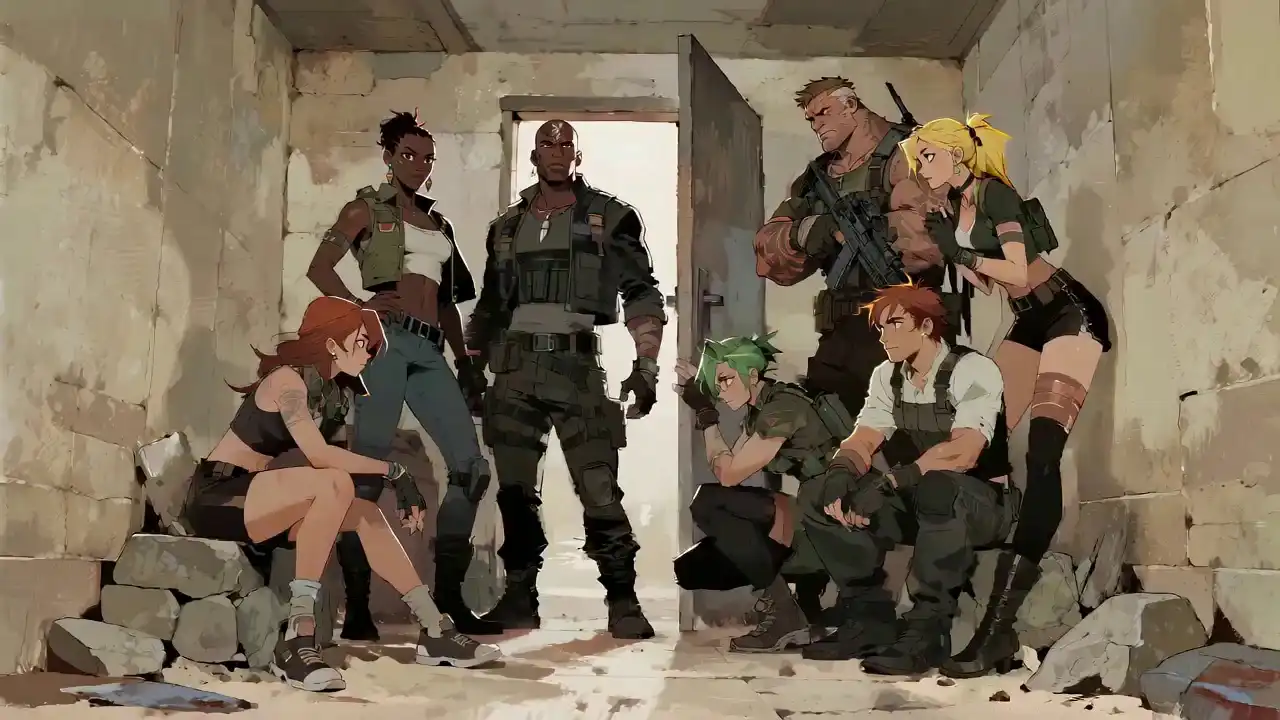
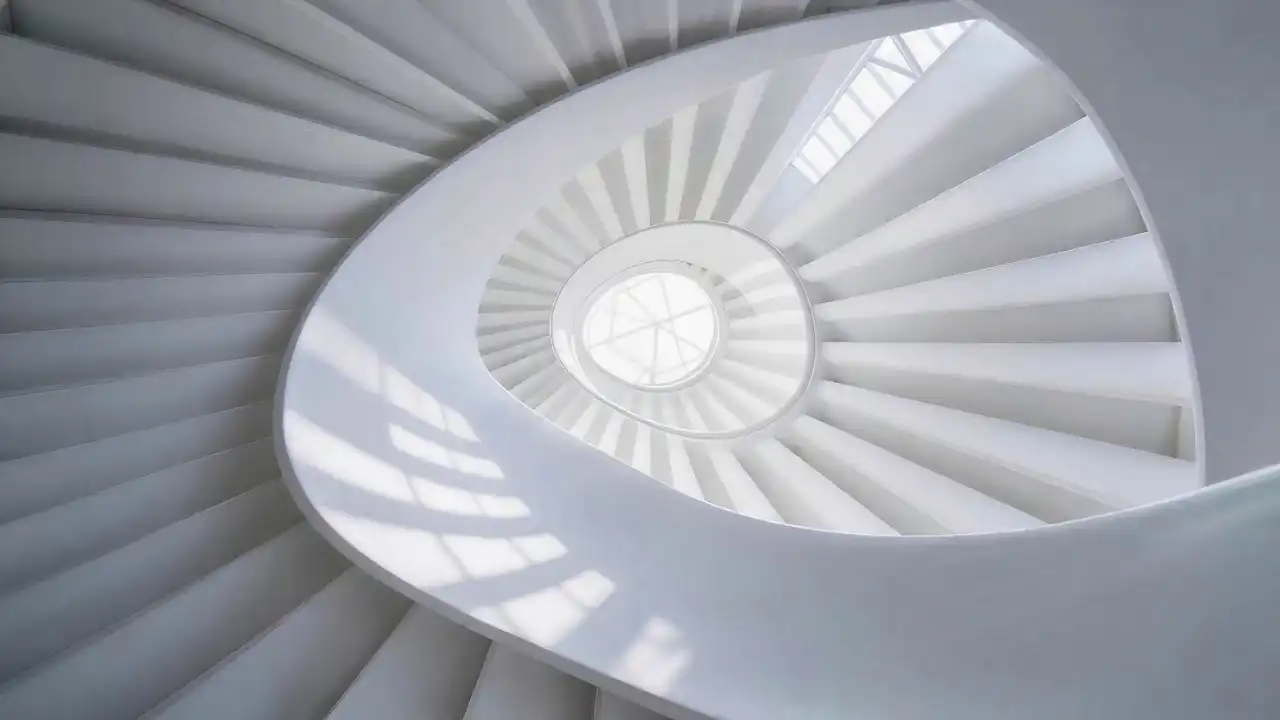
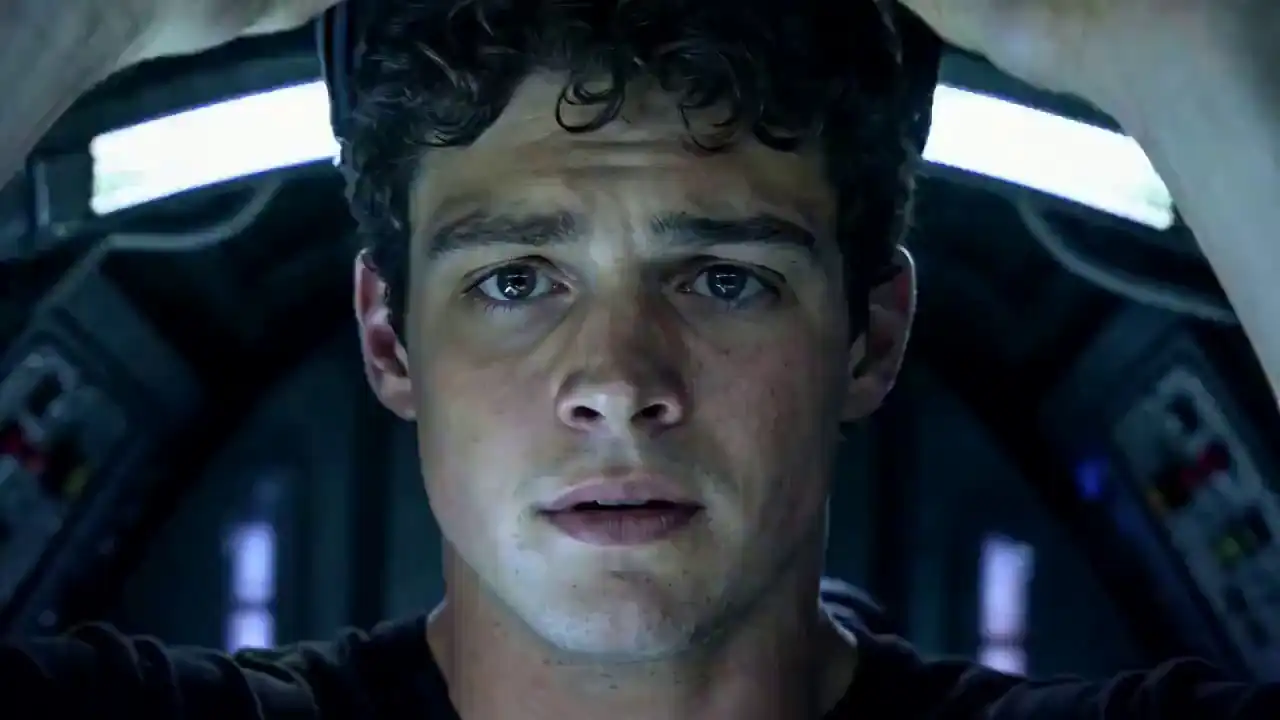
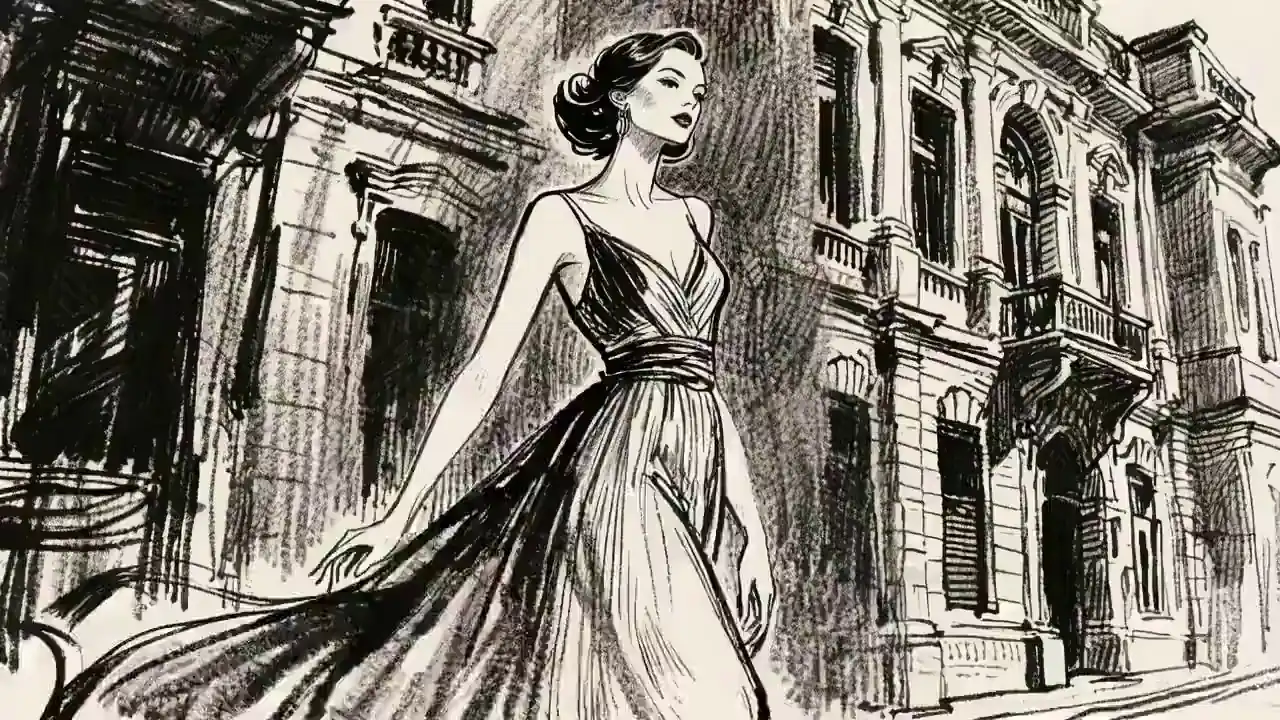
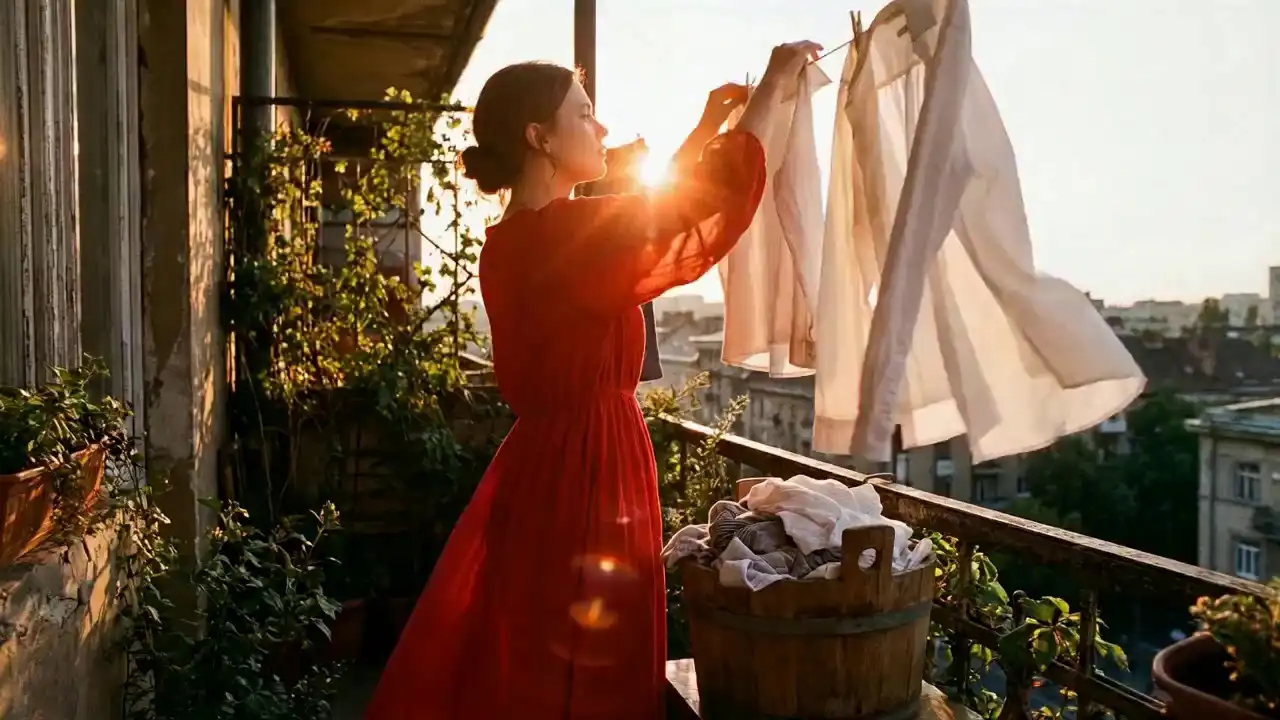
Seedance 2.0 Showcase
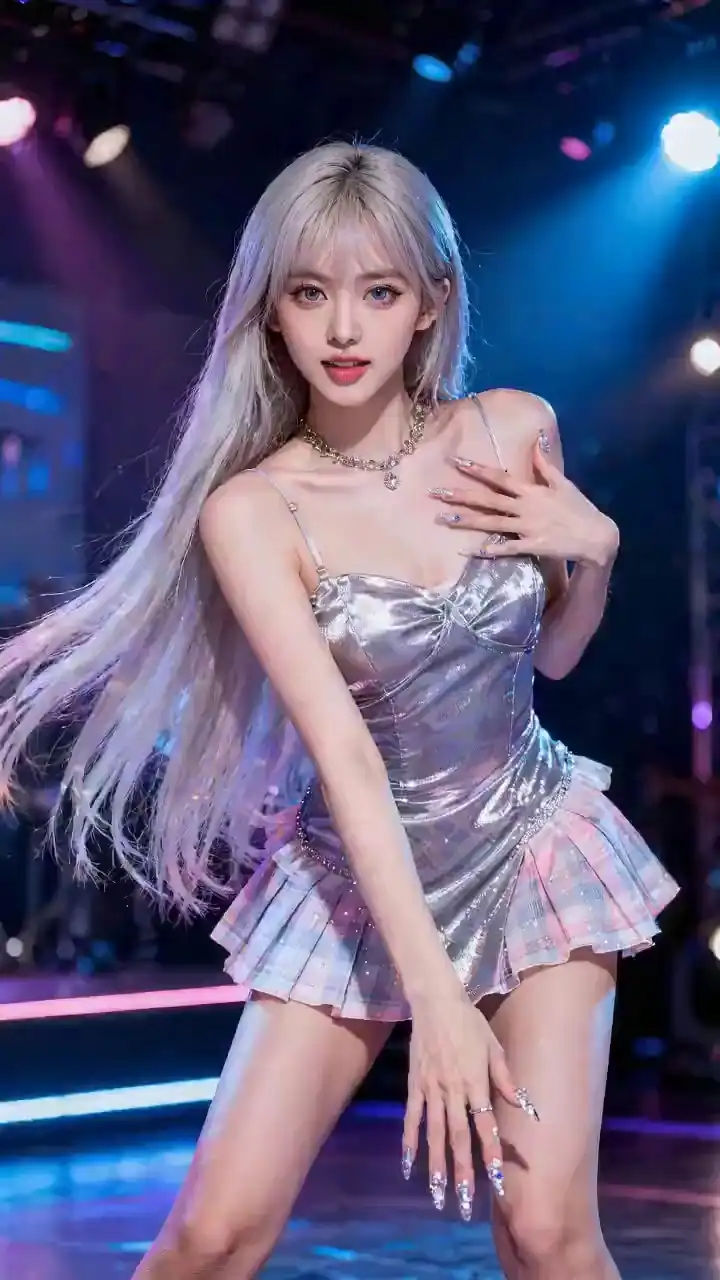
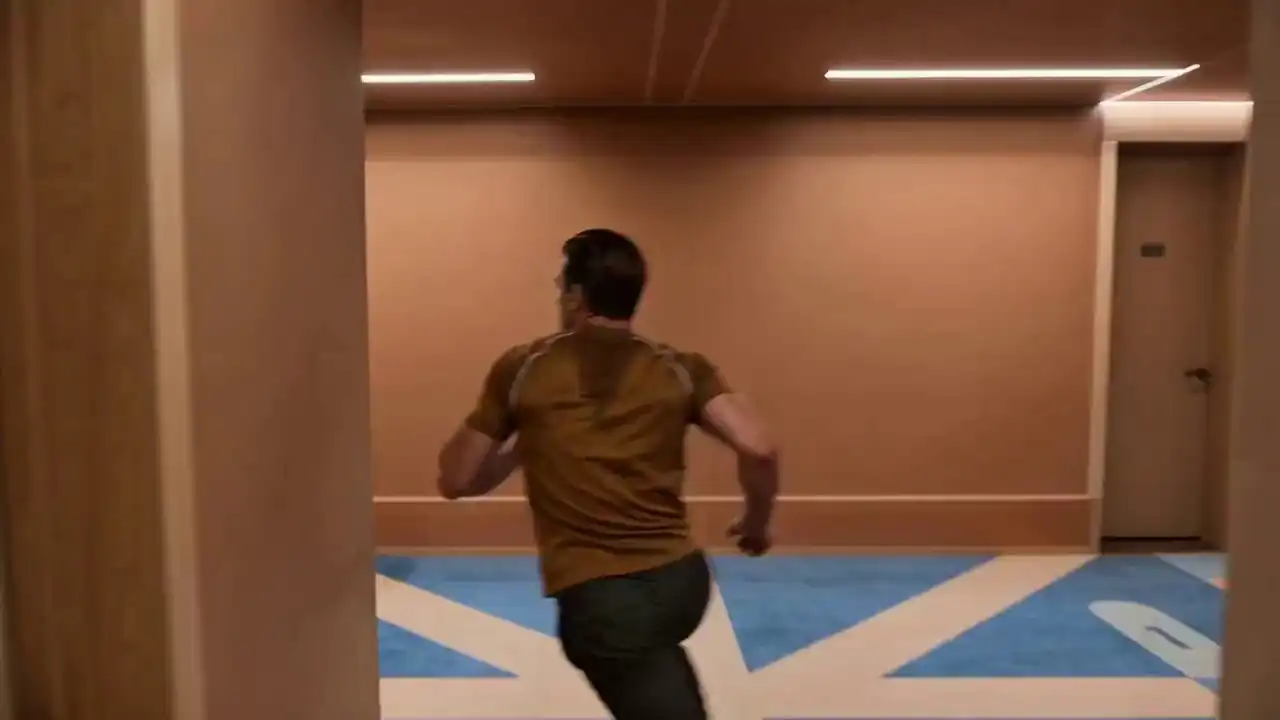
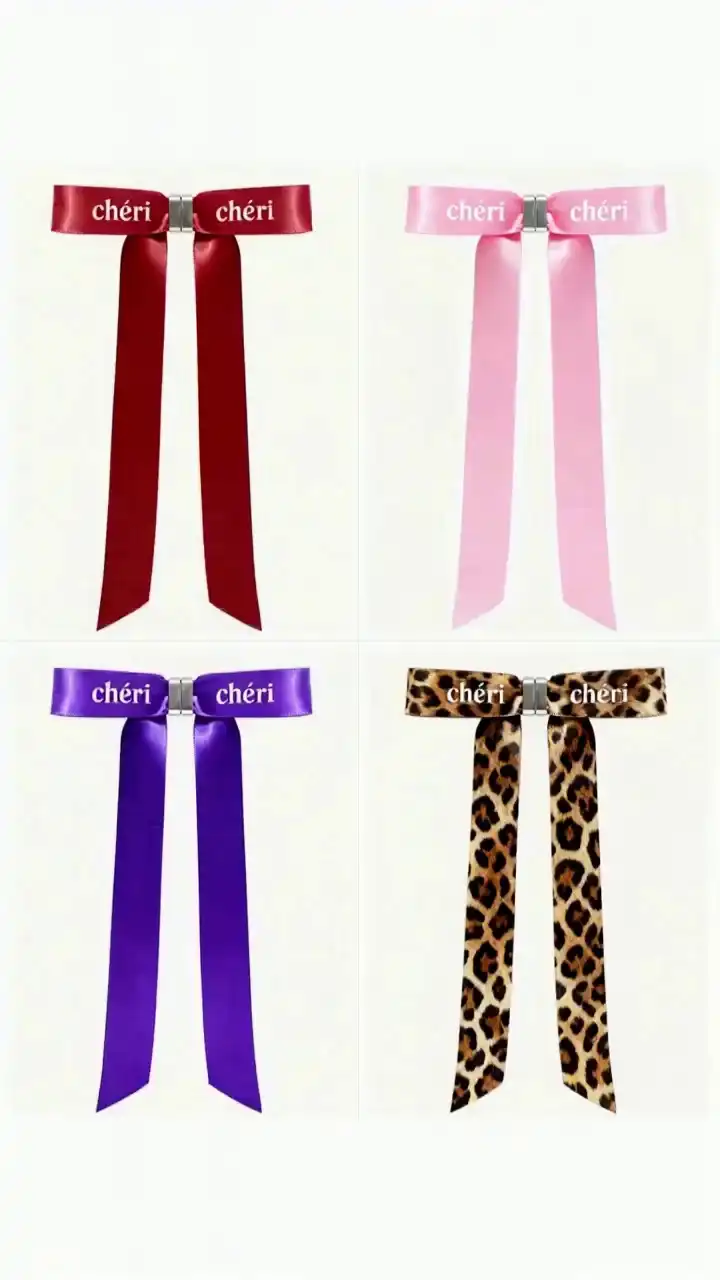
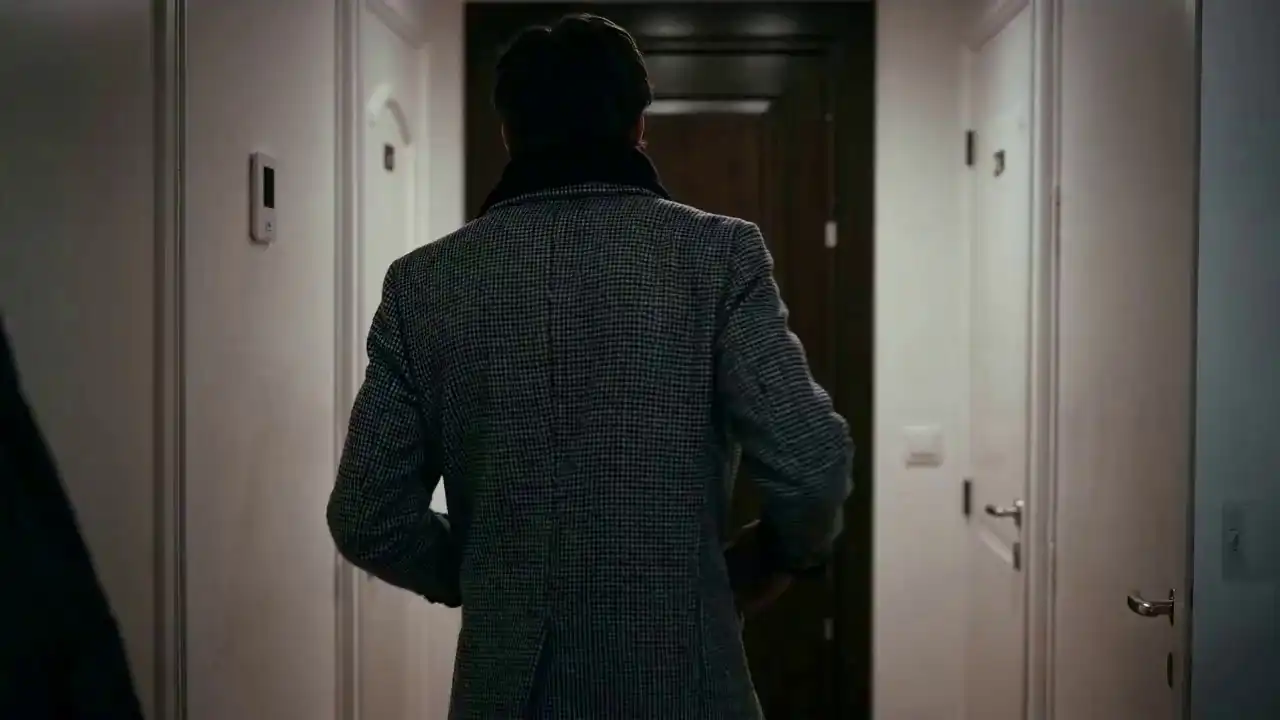
See how Seedance 2.0 transforms creative ideas into reality.





Why Choose Seedance 2.0?
Unlocking the "Director Mode" in generative AI.
1. "Reference Everything" Capability
The biggest upgrade in 2.0 is the ability to use any asset as a strict reference. By using the @Reference syntax in your prompt, you can instruct the model to:
- 📷 @Image: Lock in composition, character details, and artistic style.
- 🎥 @Video: Clone lens language, complex action rhythms, and special effects.
- 🔊 @Audio: Drive the pacing and emotional atmosphere of the generated video.
2. Unmatched Consistency & Stability
We have solved the "flickering" and identity loss issues common in AI video. Seedance 2.0 ensures that characters, props, and scene details remain consistent from the first frame to the last. Even small text and background elements remain stable.
3. Advanced AI Video Editor
Creation doesn't stop at generation. Seedance 2.0 offers a robust editing suite:
- Character Replacement: Swap actors in an existing video without re-shooting.
- In-painting/Out-painting: Add or remove elements within the video.
- Seamless Insertion: Use prompts like "Add a scene between @Video1 and @Video2" to create smooth transitions.
4. Smart Video Extension & "Keep Shooting"
Need a longer shot? The model supports smooth video extension. It analyzes the context of your uploaded clip and generates continuous, logical follow-up footage. You can extend a 5-second clip into a 1-minute story with consistent physics and flow.
5. Physics-Aware Motion Engine
The foundation of Seedance 2.0 is a significantly enhanced physical engine. Movements carry weight, gravity feels real, and high-difficulty actions—like continuous running or acrobatic flips—are rendered with natural fluidity.
Applications & Use Cases
Empowering creators across industries.
Commercial Advertising
Produce high-fidelity product videos where merchandise details remain sharp and consistent, significantly reducing production costs.
Film & Animation Pre-viz
Directors can upload rough storyboards or reference clips to visualize complex camera moves and lighting before actual filming.
Social Media Content
Content creators can "remix" viral videos by keeping the original motion but swapping the characters and style to fit their brand.
Music Video Production
Musicians can generate full visuals that react dynamically to their song's rhythm without needing complex VFX software.
What Our Users Say
Trusted by 500,000+ Creators | Over 10 Million Videos Generated
"The 'Reference Video' feature is a game-changer. I used a clip of myself walking, and Seedance turned it into a cinematic shot of a robot walking through neon streets with the exact same gait. Incredible."
— Jordan T., VFX Artist
"Finally, I can extend a video without it turning into a hallucination. The consistency allows me to actually tell a story, not just make random GIFs."
— Elena R., Content Strategist
FAQ
Everything you need to know about Seedance 2.0
We support a wide range of formats. You can upload images (JPG, PNG), videos (MP4, MOV), and audio files (MP3, WAV) as input references.
Seedance 2.0 Pro generates high-definition video. While single-generation duration varies based on your settings, you can use the "Extend" feature to create videos of unlimited length seamlessly.
Use natural language. The key is the @ symbol. For example: "@Image1 is the first frame, refer to the fighting action in @Video1." Clear tagging of assets helps the model understand your intent perfectly.
No. Seedance 2.0 is cloud-based. You can access our powerful rendering farm from any standard laptop or desktop browser.
Yes. Users with a Pro subscription possess full commercial rights to the videos they generate.
No. We respect your privacy. Your uploaded files and prompts are strictly for your own generation tasks and are not used to train our public foundation models.
Start Directing with Seedance 2.0 Pro
Experience the first multimodal AI that lets you direct every frame. Transform text, images, video, and audio into cinematic footage with precise control.